
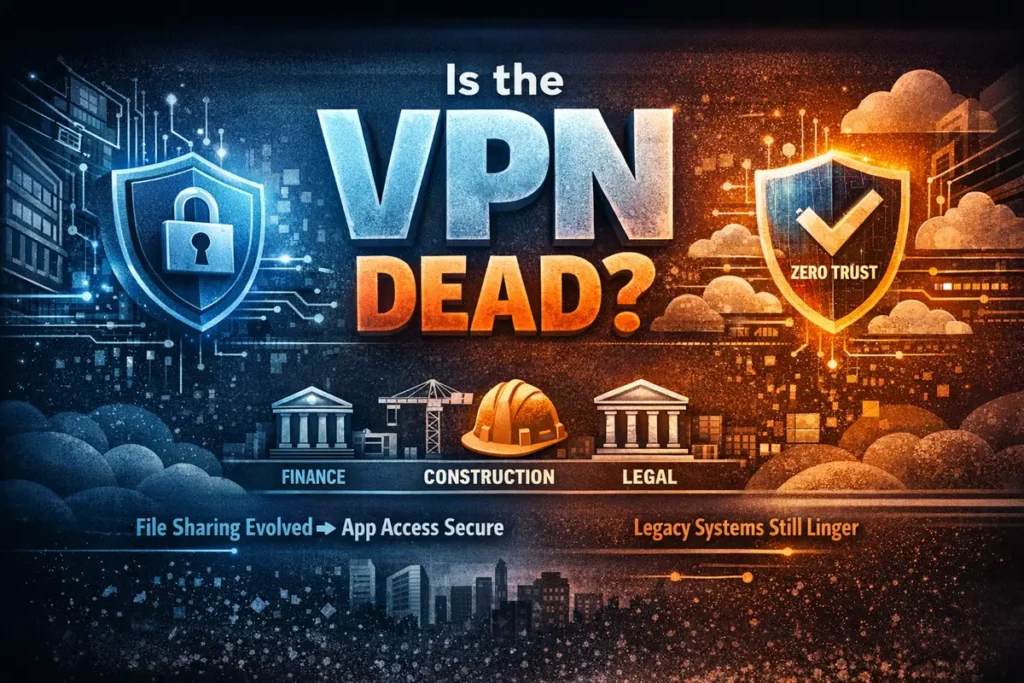
VPN vs Zero Trust – Is the VPN Dead and is Zero Trust the future? (And What’s Replacing It)
VPN vs Zero Trust explained in a real world context.
For years, VPNs were the undisputed solution for remote access. Need to work from home? Fire up the VPN. Job done.
But things are changing—fast. VPNs are rapidly transitioning from being the strategic end-state of remote access to serving merely as a “legacy compatibility layer.”
The Problem with Traditional VPNs (and Legacy AD)
VPNs were built for a world where everything lived in one office behind one firewall. In that world, we relied on Legacy Active Directory. To change a password, sync a group policy, or even log in for the first time, your computer needed a “Line of Sight” to the physical Domain Controller.
If you weren’t in the office, the VPN was the only way to create that bridge. Today, this “Castle and Moat” approach creates massive risks:
- The Lateral Movement Trap: Once a user is in via VPN, they are “on the LAN.” If that device is compromised, the attacker has a map to your entire server room.
- Performance Chokepoints: Sending all traffic through a central office creates bottlenecks and lag.
- Management Overhead: Patching VPN firmware CVEs and babysitting connection drops is a full-time job no one wants.
The New Perimeter: Microsoft Entra ID vs. Legacy AD
The biggest nail in the VPN’s coffin is the shift from Legacy AD to Microsoft Entra ID (formerly Azure AD).
| Feature: VPN vs Zero Trust | Legacy Active Directory | Microsoft Entra ID (Cloud) |
| Location | On-premise server | Cloud-native (Azure) |
| Connection | Requires VPN for remote sync | Works anywhere with internet |
| Security | Password-heavy | Identity-based (MFA / Hello) |
| Governance | Group Policy (LAN only) | Conditional Access (Global) |
By moving to an Azure-based identity system, you remove the requirement for “Line of Sight.” Your identity becomes the perimeter. With Conditional Access, you can set rules that say: “You can only access the data if you are on a managed device, have passed MFA, and are connecting from the UK.” No VPN required.
The File Share Killer: SharePoint & OneDrive
Moving away from VPNs also means removing the dependency on mapped network drives (SMB).
- OneDrive: Your personal workspace.
- SharePoint: Your team’s structured document management.
By shifting files here, you get real-time collaboration and versioning without ever needing to “connect to the server.” You trade clunky network paths for secure, encrypted HTTPS access.
The “Stubborn” Reality: Sage and Legacy Apps
This is where the marketing pitch meets the real world. Software like Sage or old Access databases aren’t cloud-native. They are “chatty”—they expect a low-latency LAN connection. If you try to run Sage data over a Zero Trust tunnel or a shaky VPN, you risk performance lag or, worse, total database corruption.
To handle these, you have three options:
1. Zero Trust + RDS (The MSP Gold Standard)
Don’t expose the app directly. Use a Cloudflare Tunnel or SonicWall ZTNA to provide secure Remote Desktop (RDS) access. The app stays on the server, and only the “pixels” travel to the user.
Pro-Tip: If you’re using Cloudflare Tunnels and see 503 prefetch errors, disable Cloudflare Speed Brain in your dashboard.
2. The RDS Cost Reality
If you choose the RDS route to kill your VPN, you have to account for Microsoft’s 2026 licensing costs. Beyond the first two admin sessions, you need RDS CALs:
- 5 Users: ~£1,200
- 10 Users: ~£2,500
- 25 Users: ~£6,000+(Indicative UK pricing for RDS User CALs).
3. Full Cloud Migration
Move to Sage Business Cloud or a similar SaaS. It’s the ultimate goal, but often a significant financial and operational jump for SMBs.
The Final Verdict
The VPN is not dead, but it is no longer the “strategy.”
- ✅ Entra ID + Cloud Apps: For your identity and daily work.
- ✅ SharePoint / OneDrive: For your files.
- ✅ ZTNA / Tunnels: For specific, secure access to internal tools.
- ✅ RDS: For the stubborn legacy apps like Sage.
- ❌ VPN: Reserved only for the “emergency” 10% where you need full, unrestricted network access.
The Takeaway: If you move your identity to Entra ID and your files to SharePoint, the “need” for a VPN disappears for 90% of your staff. You improve security, destroy latency, and stop fighting connection issues.
Zero Trust removes the VPN… right up until you hit that one legacy Sage database. And every MSP knows exactly what I mean.
Download the PDF version.